From Terminal to Tea: The Most Autistic Way to Order Tea with the Terminal

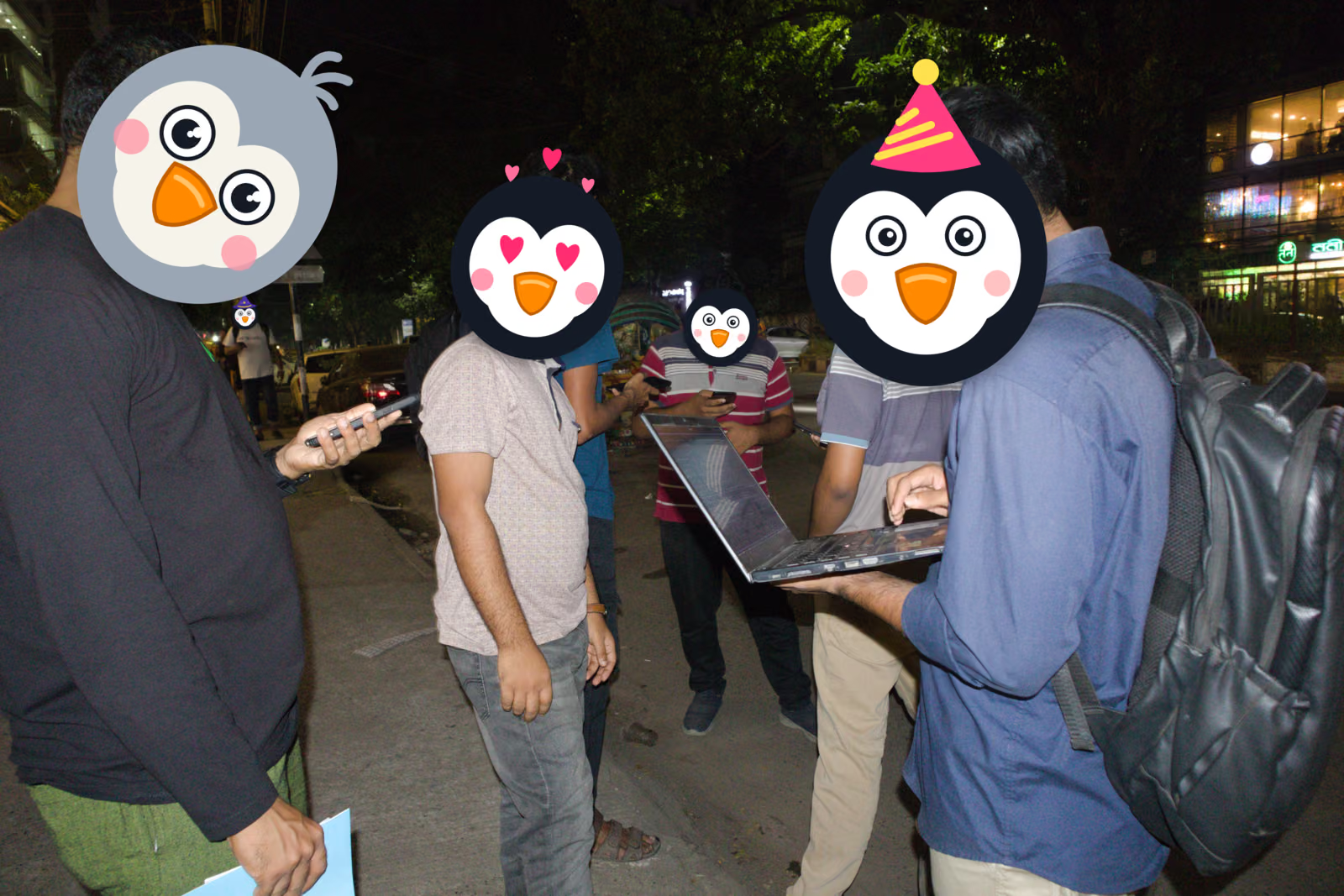
Picture this: you walk past a tea stall and see a guy with a laptop open. The people around him are glued to their screens too, all trying to connect to something through a terminal, just to order tea.
What would you say? “A bunch of lunatics”? Maybe. Or just a few nerdy peeps having fun? Call us whatever you like. We were there, and we did it.
At Flap and Yap (November 2026), we tried something as nerdy as anyone could imagine.
The Idea
One of our members came up with a strange one: what if we had a tea shop that only lives in the terminal? If you want to order, you have to do it through the terminal. No menu board, no shouting across the counter.
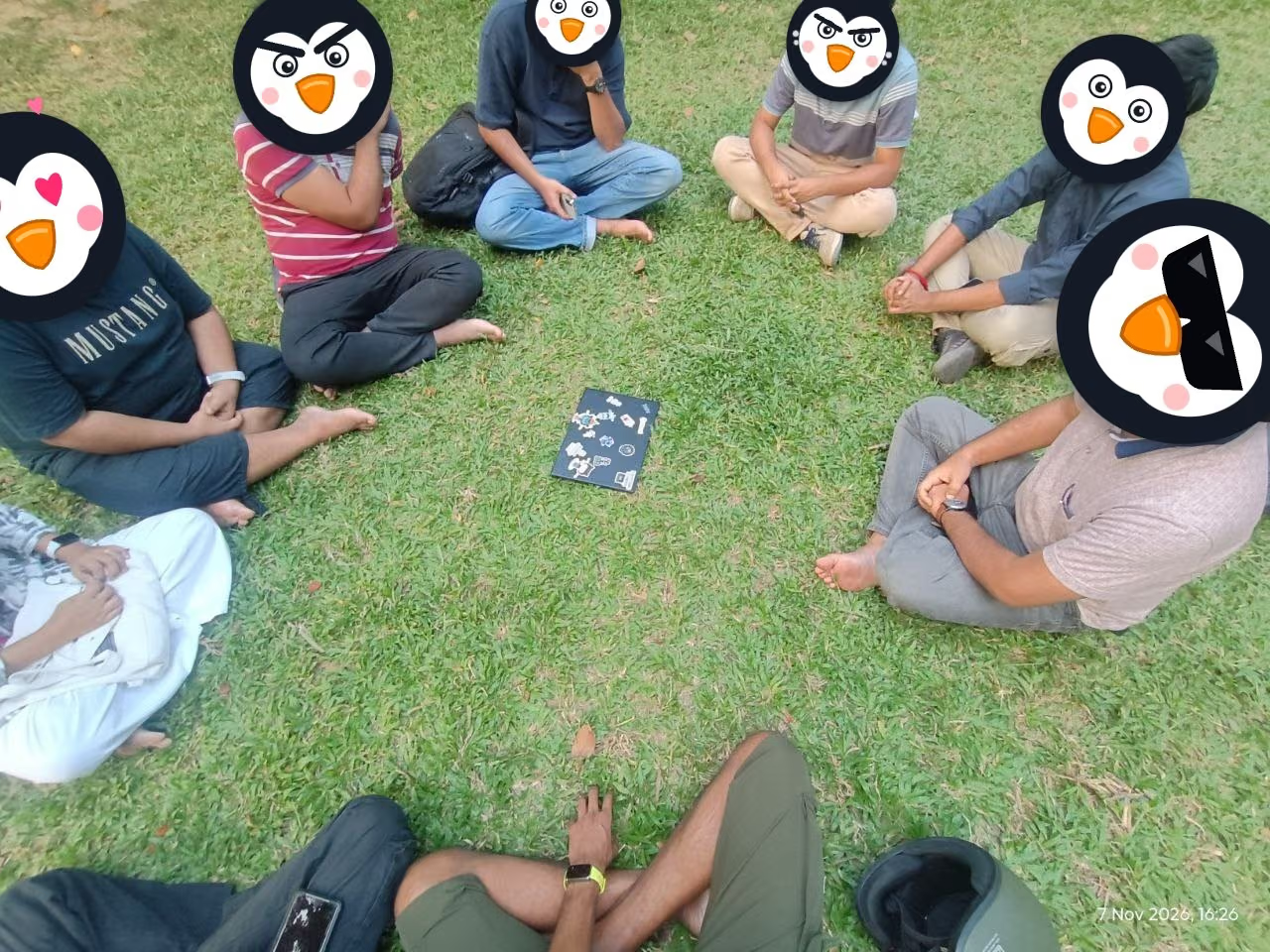
The concept isn’t new, but for us it was a chance to test it for real. So we sat in a circle and decided to build a POC (proof of concept) right then and there.
Building It (No AI, That’s the Fun Part)
One member dictated the logic out loud, by mouth. Another member typed it into a simple script. No AI helped with the code, and honestly, that was the best part of the whole thing.
We hit our first problem almost immediately: we didn’t have a shop.
Our workaround was simple. Whenever we wanted something to refresh ourselves, we would order it through our system. But tracking those orders by hand was messy, so we built a small program to store them.
How It Works
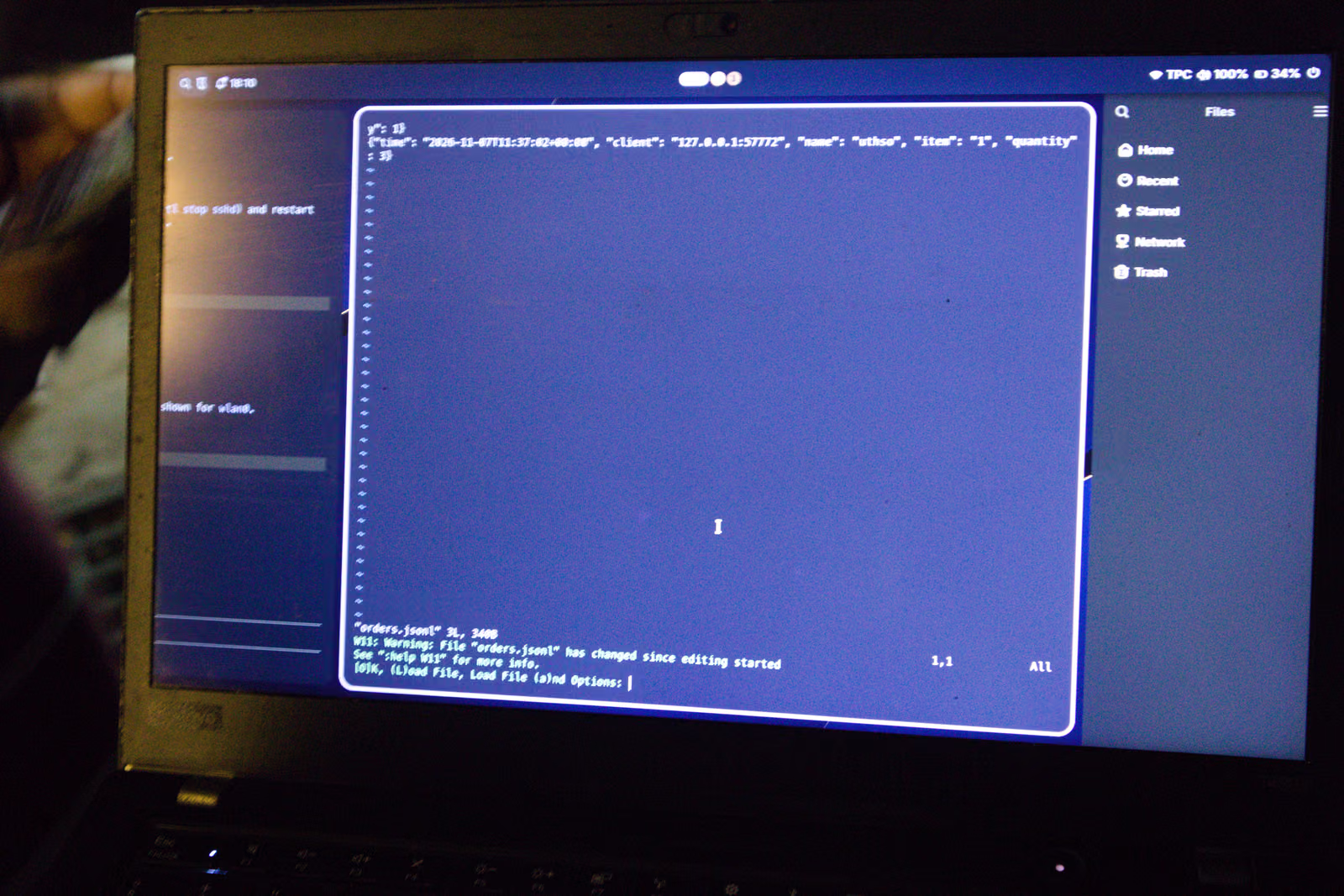
Under the hood, it’s an SSH server running on a designated port. Here’s the flow:
- You open your terminal and connect to the port.
- The server asks for your name.
- Then your order.
- Then the quantity.
- Your order is saved to our database.
And the database? We kept it simple: a plain JSON file. No fancy setup, just something that works.
In about 15 minutes, our first POC was running.
Meeting Our Test Subject
With the POC ready, we needed real people to try it. We went looking for a tea stall and found a great one: দৌড়ের উপর চা (“Tea on the Run”). The name is fun, and so is the menu, which is surprisingly diverse.
We shared access to our server, and people started ordering through the terminal.
What We Learned
It was a lot of fun playing with it as a small team. But because we didn’t plan much, we ran into a few real problems:
- Our script trusted everyone. The input wasn’t sanitized, and we never set a minimum or maximum order quantity. Of course, the moment you hand a terminal to a group of nerds, they try to break it. And they did.
- We couldn’t see the big picture. We had no total order count and no total money count, so we had no quick way to know how many orders had come in or how much they added up to. At one point the orders even confused us, because they didn’t clearly tell us who ordered what.
- The menu was hard to use. We didn’t have time to build a proper menu into the terminal on the fly, so ordering was clunky. People ended up checking the physical menu copy and then typing their order into the terminal, which kind of defeated the point.
If we build this again, we’d start with input validation, order limits, running totals, and a menu that lives right inside the terminal.
It was a fun experiment, and we learned a lot. Next time we’ll plan a little better, but we probably won’t stop being this nerdy.